Start with your source

Turn a document into a presentation

Upload a DOCX, PDF, TXT or Markdown file, or paste a public webpage URL. SlidesMate extracts the text and uses it to generate a slide draft you can edit in your browser.

Create slides from a document

Sign in to import your source. Generation uses AI credits; see current plans and export options.

From source text to a slide draft

  1. 01

    Import your source

    Choose Upload file, or Paste a link and select Extract. Use the report section, proposal or brief that contains the facts your audience needs.

  2. 02

    Check the extracted text

    Review the displayed text preview and character count. Check names, figures and table labels before generating. Choose between 5 and 30 slides; the default is 10.

  3. 03

    Generate, then review

    Select Generate Slides to open the saved draft in the editor. Check every claim against the source, adjust the order and wording, and review each slide before sharing.

Choose the right source format

This workflow creates a new presentation from extracted text. It does not faithfully convert document pages, recreate source charts or carry over your Word theme.

Supported source formats and preparation
SourceWhat to prepare
Word (.docx)Extracts document text. Fonts, page layout, embedded images and table design are not reproduced. Save legacy .doc files as .docx first.
PDF (.pdf)Uses extractable text. Scanned pages and image-only PDFs need OCR in another tool before import.
Text (.txt) and Markdown (.md)Reads UTF-8 text as source material for AI generation. For explicit slide separators and direct Markdown authoring, use the Markdown editor.
Public webpage URLFetches a public HTTP or HTTPS page and extracts readable article or main-page text. Login-only pages, private-network addresses and content requiring browser interaction are unsuitable.

Want to write each slide yourself? Open the Markdown editor.

Prepare a focused source

Put the decision, key facts and required sections early. For long reports, export the relevant section as a separate file. Check tables after extraction: a value without its row label or unit can change meaning.

Files: up to 10 MiB (10,485,760 bytes), shown as “10 MB” in the upload screen.

Public URLs: up to 5 MiB (5,242,880 bytes) of downloaded content, including a remotely fetched PDF. Use a directly readable page rather than a login or interactive app.

Text: extraction returns up to 50,000 characters, including a truncation marker when needed; generation uses only the first 30,000 source characters. Keep your source below 30,000 characters so important details are included.

Review: OCR is not provided. AI can omit context or introduce assumptions. Verify figures, dates, citations and suggested actions against the original document.

A Word brief and the slides built from it

Project Willow is a fictional inventory pilot brief. The source DOCX was actually extracted to text. Below, compare an actual AI-generated five-slide draft with a separate manually authored interpretation from the same text. These are fictional teaching examples, not customer results.

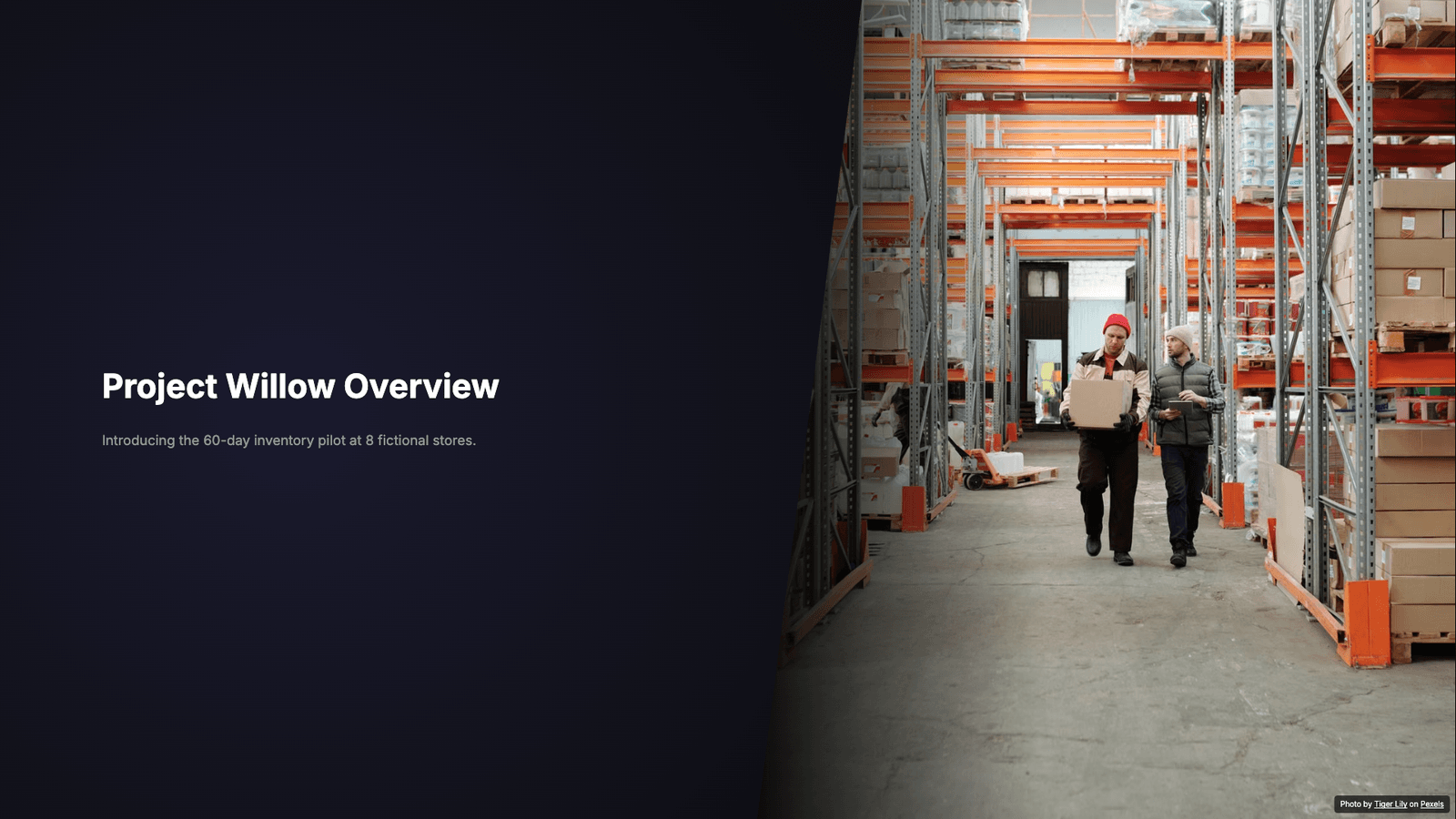
We also ran this source through the actual local DOCX extraction, AI generation and save flow. The five-slide draft below is untouched: it retained the budget and timeline but omitted the explicit no-results statement and both named approvers. Review those omissions before adapting it.

Actual generated draft from the fictional Project Willow Word brief, showing the 60-day pilot at eight fictional stores
Actual local AI-generated draft, exported through the editor. Fictional source; illustrative stock photo.

Download the generated PPTXGenerated draft PDF

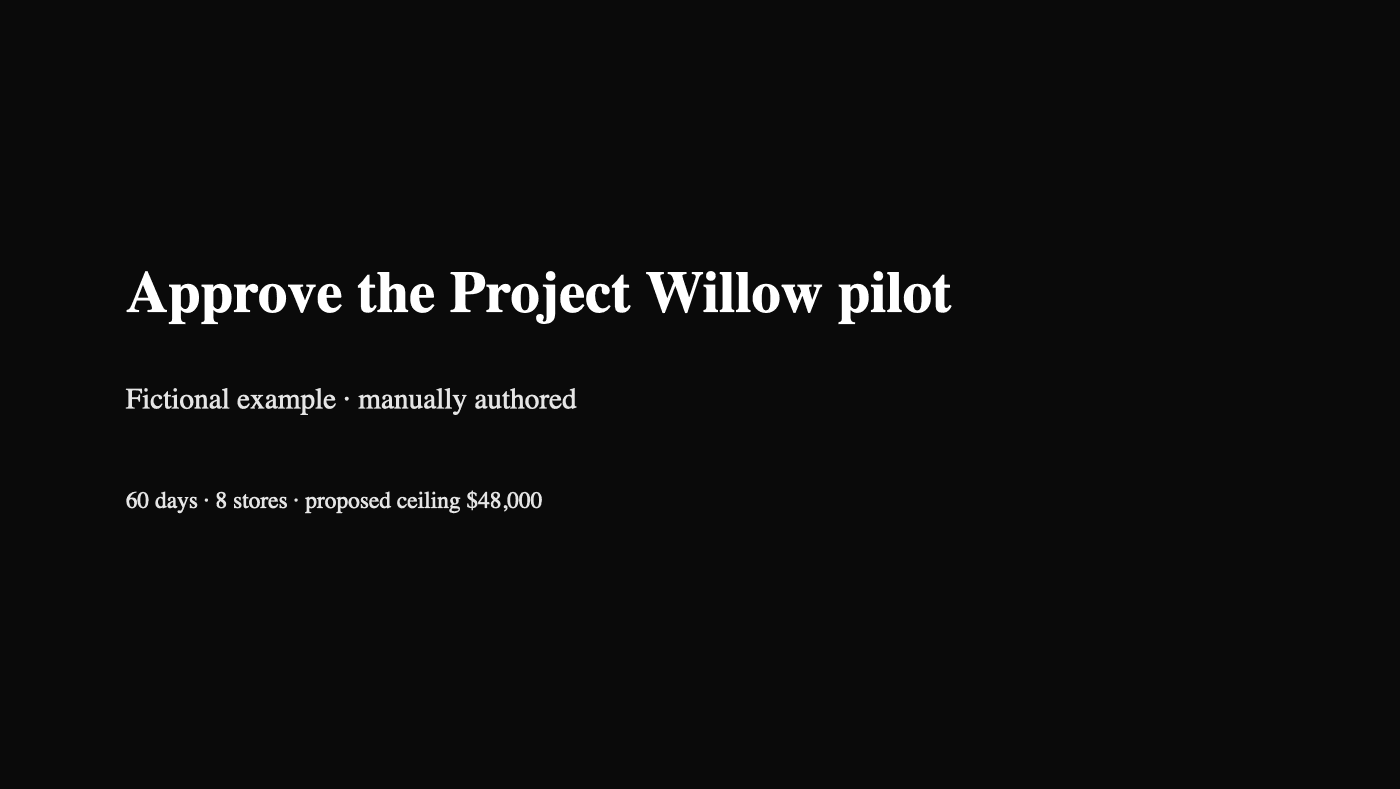
Manually authored Project Willow opening slide: fictional 60-day pilot at 8 stores with a proposed $48,000 ceiling
Preview of the manually authored example, exported from its actual PowerPoint file. Not AI-generated.

Inside the Word source

Approve a 60-day inventory pilot at 8 fictional stores. Approval is requested by November 20, 2026. Owner: Jordan Vale, operations lead.

The brief proposes a $48,000 budget ceiling and explicitly says no improvement has been measured. It specifies a two-week stockout baseline, a delivery plan and the risk of incomplete store logs.

How the manual deck organizes it

  1. Approve the Project Willow pilot
  2. Define the decision
  3. Measure before claiming a result
  4. Run the eight-week plan
  5. Approve scope, then return with findings

The opening keeps the scope and proposed ceiling together. A separate measurement slide preserves the “no improvement has been measured” qualification. Apply the same source check to your AI draft.

For the Word-specific process, read how to turn a Word document into a presentation. Browse more sample decks to compare structures.

Bring the facts. Shape the presentation.

Start with a focused document, review what was extracted, then edit the generated draft for your audience. See export help before choosing your final file format.

Create slides from a document